
With almost everything done online nowadays, your digital self is, in a sense, part of your actual identity. For most people, access to their work, money, and even their personal life is all tied to it.
Neglecting this identity (by that I mean leaving it unprotected) puts every single one of those things at risk. Here’s what you should know—and do.
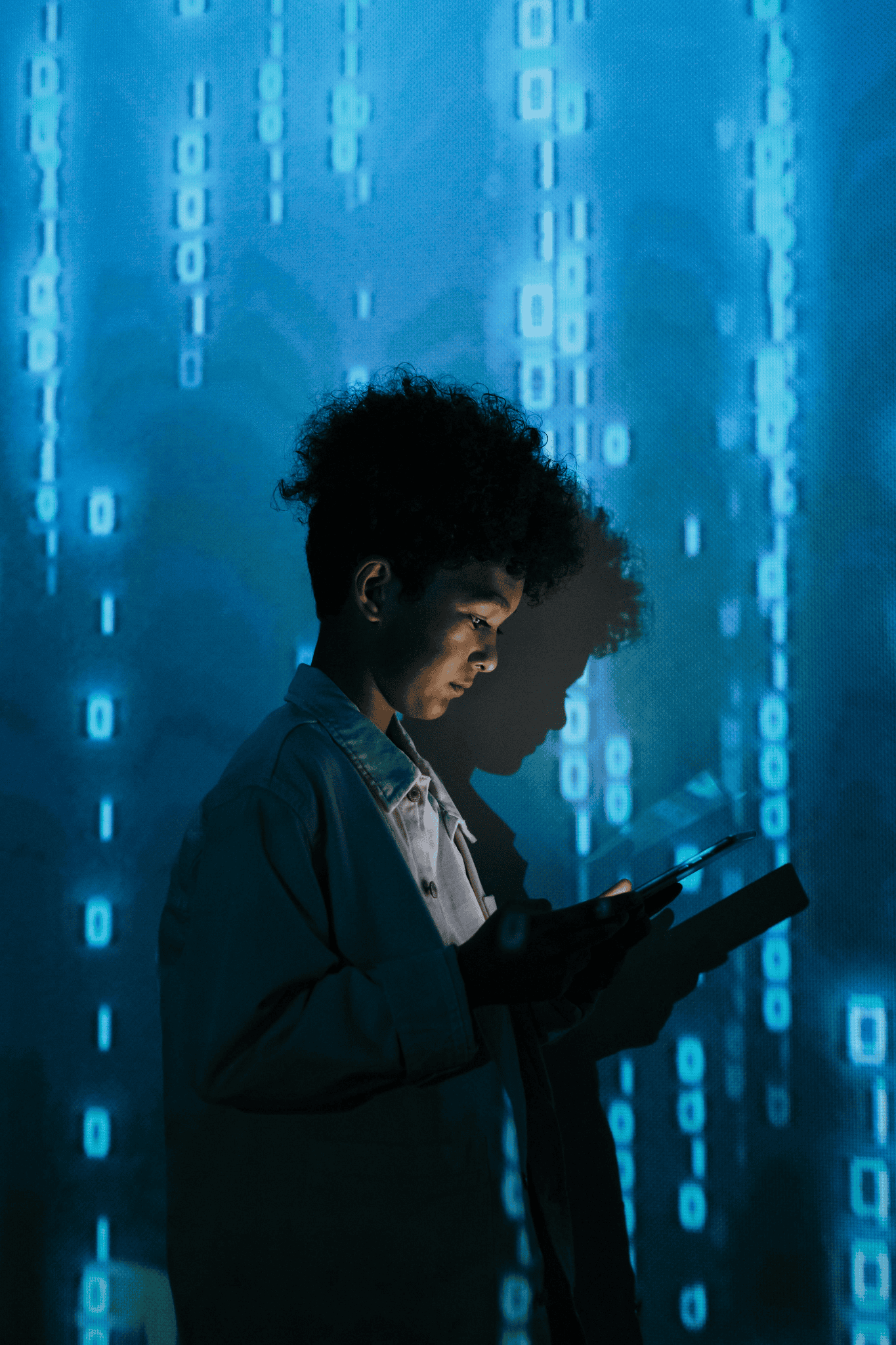
What Is Your Digital Identity, Exactly?
When you say “digital identity”, you’re referring to pretty much everything about you that can be found online.
Every piece of data—your email address, your usernames, the passwords you’ve probably reused on seventeen different sites (don’t lie, we’ve all done it), your credit card numbers, your home address, and even the answers to security questions about your first pet’s name—all of it makes up your digital identity.
If such information falls into the wrong hands, it’s only a matter of time until you start getting scam calls, facing unauthorized login attempts, and so on.
And this isn’t an “it won’t happen to me” situation anymore. In 2024, Americans lost over $47 billion from fraud and scams, with a big part of it originating online. Cybercrime is now undeniably common.
The problem is that most people treat online security the way they treat going to the dentist. They know they should do it, they tell themselves to do it, and then they just… don’t. Mostly because they haven’t run into a serious problem—at least not yet—and think they should be fine.
What You Can Actually Do About It
The good news is that protecting your digital identity is actually easier (and a lot cheaper) than going to the dentist. All it takes is half an afternoon, and you don’t even need to spend any money.
You don’t need to be a techie either. If you can create an online account, you can safeguard it. Here’s where to start.
- Stop (Re)using Weak Passwords
Like most people, you might have a password that’s something embarrassingly personal—a pet’s name, a birthday, the street you grew up on. The problem is that these pieces of information can be guessed or gleaned from a five-minute Google search or a scroll through your social media pages. Worse, you’re probably using it across many accounts.
- Be Careful on Public Wi-Fi
With remote work being so widespread nowadays, it’s become common practice to work using public Wi-Fi at coffee shops, airports, or hotels.
The problem is that these networks usually aren’t as safe as your home Wi-Fi. It’s easier for malicious actors to intercept your data on these networks.
That’s why you should consider getting a VPN Chrome extension (or whatever browser you use) to encrypt your connection. This is particularly important if you’re accessing work or banking accounts on them, although it’s a good idea to avoid accessing sensitive information in public entirely.
- Turn On Two-Factor Authentication
Even complex passwords can be leaked or cracked, so make sure you have two-factor authentication (2FA) enabled for every account that offers it.
With 2FA enabled, you’ll be asked to go through an extra step when you log in. Typically, it requires you to enter a one-time code sent to the phone or email associated with your account.
Annoying? Yes. Worth the hassle? Absolutely.
It ensures that no one gets into your account, even if they were able to steal your password.
- Monitor Your Accounts and Credit
Another important setting to enable on your accounts, especially for your banking apps: alerts and notifications of unusual activity in real time. Most banks do this by default, but in case yours doesn’t, take the time to set it up.
Also, if you’re in the US, check your credit report regularly. You’re entitled to a free one annually from each of the three major bureaus through Annual Credit Report.
Some people even freeze their credit entirely, which prevents anyone from opening new accounts in their name without their permission.
Stop Oversharing on Social Media
Most people don’t realize how much they’re sharing on social media. A birthdate here, a hometown there, a post about being away on vacation.
Then, suddenly, a stranger knows more about you than they should. Scammers piece together these details to build profiles that make identity theft and even physical threats a lot easier.
The Bottom Line
Protecting your digital identity isn’t about being paranoid. It’s about being practical. You lock your car, you use a PIN on your phone, you don’t hand your wallet to strangers. The same logic applies online.
Take an hour this weekend and start locking things down. Your future self will thank you.

An excellent reminder that our digital identity has real-world consequences. From personal reputation to career opportunities, what we share online can have a lasting impact. Taking a few simple steps to manage privacy, strengthen security, and monitor your online presence can make a significant difference. Thanks for sharing such a timely and thought-provoking article.
I look forward to your kind cooperation. I wish I had known that there would be a place like this in the future, but I wish you luck. I’ll be back often.
Ignoring your digital identity can have serious consequences—lost opportunities, damaged reputation, and even security risks. In today’s interconnected world, managing how you present yourself online is as important as safeguarding your finances.
Taking a few simple steps to manage privacy